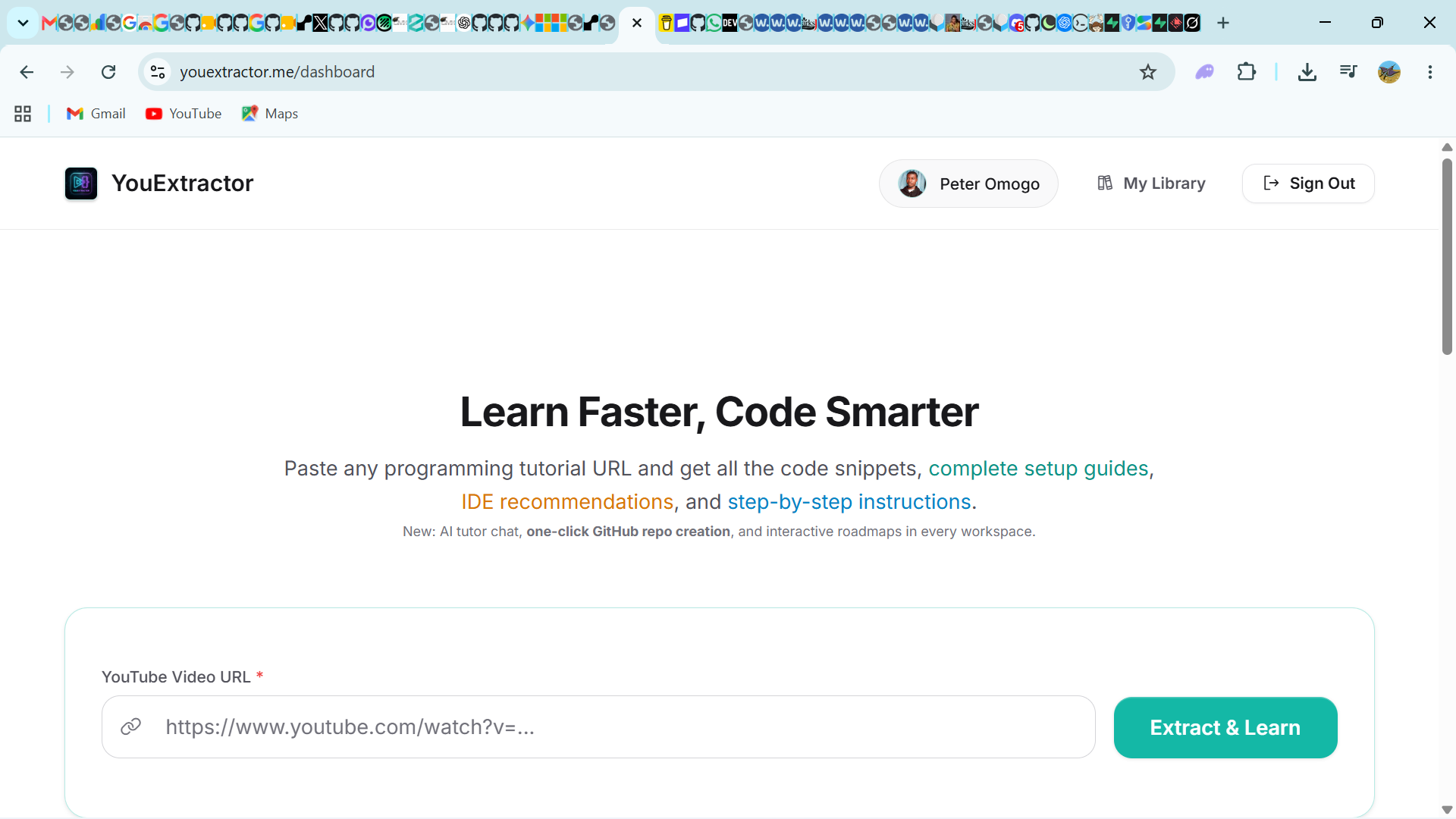
Paste a link. YouExtractor watches the tutorial, reads the transcript, understands intent, and builds the project you need.
Any public coding tutorial on YouTube. Works with long courses or quick tips.
We fetch the transcript, detect tech stack, extract every code block and spoken instruction.
Complete folder structure, runnable files, package.json, .env.example, README with setup steps.
Follow the interactive roadmap, chat with the AI tutor about concepts, push to GitHub, or download the ZIP.
Watch a realistic extraction simulation. Real results look even better.

Powerful features that save hours on every tutorial you watch.
Complete folder trees, multiple files, config, tests — not just isolated snippets.
Beautifully structured tutorials with explanations, prerequisites, and learning outcomes auto-generated.
Download everything or push a ready-to-clone repo directly to your GitHub account in one action.
Checklist of steps from the video. Mark progress locally. Know exactly what to do next.
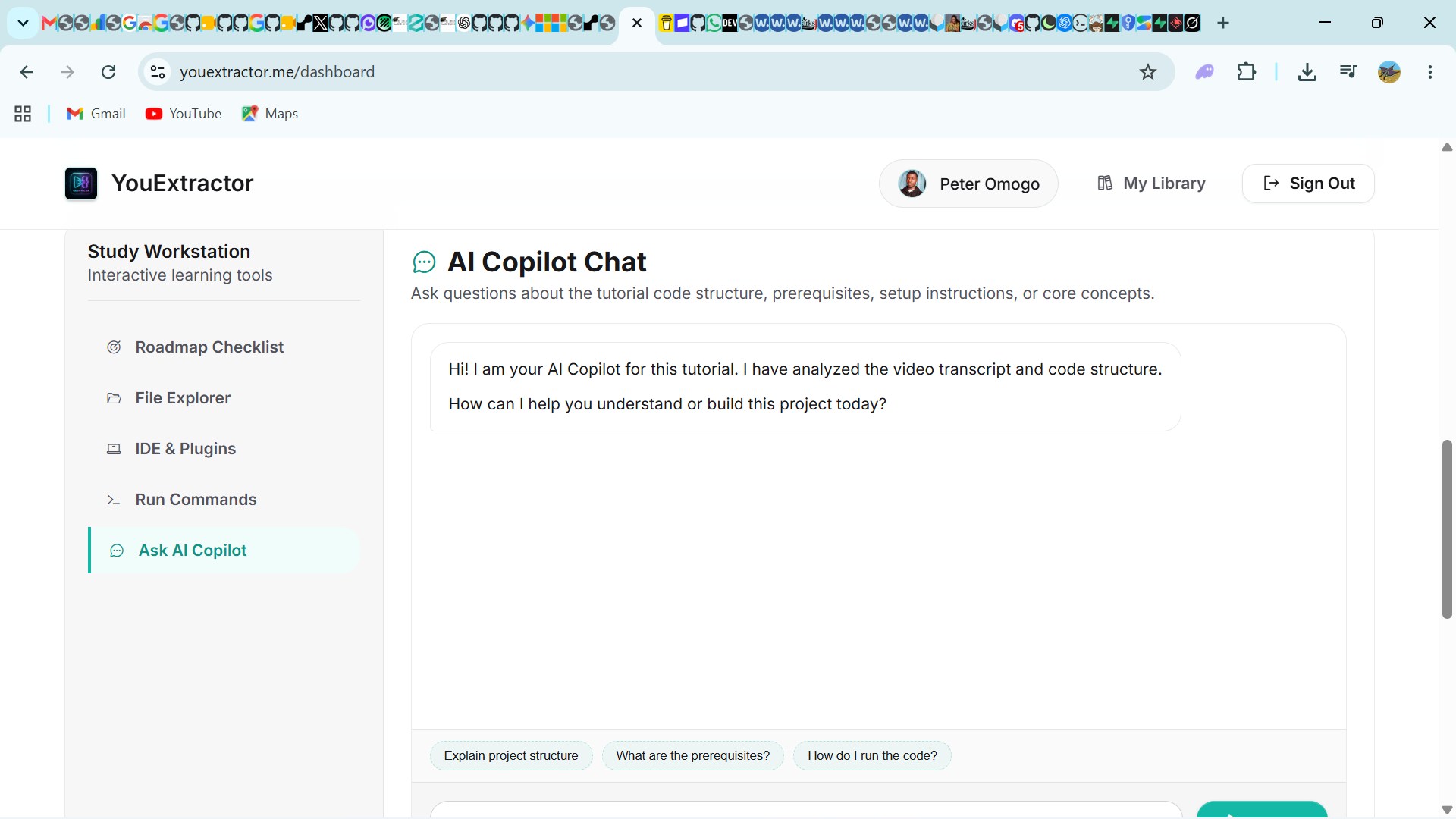
Ask questions about the code, concepts, or errors. The AI knows the exact tutorial you watched.
Extract directly from any YouTube page with a single click. No copy-paste required ever again.
Same idea as a tags extractor listing — except these pages extract source code, not video SEO tags.
Free AI tool. Paste a public coding tutorial. Get the files, folders, and a setup guide.
Push a reconstructed tutorial project to a new GitHub repo in one click.
Rebuild runnable projects from programming videos — React, Python, Next.js, Laravel, and more.
Turn watching into building. Extract, run, modify, commit — without copy-pasting from the player.
Stack guides so searches like “extract React code from YouTube” can land on YouExtractor.
YouTube code extractor, GitHub export, follow-along, Docker, Laravel, TypeScript, and more.
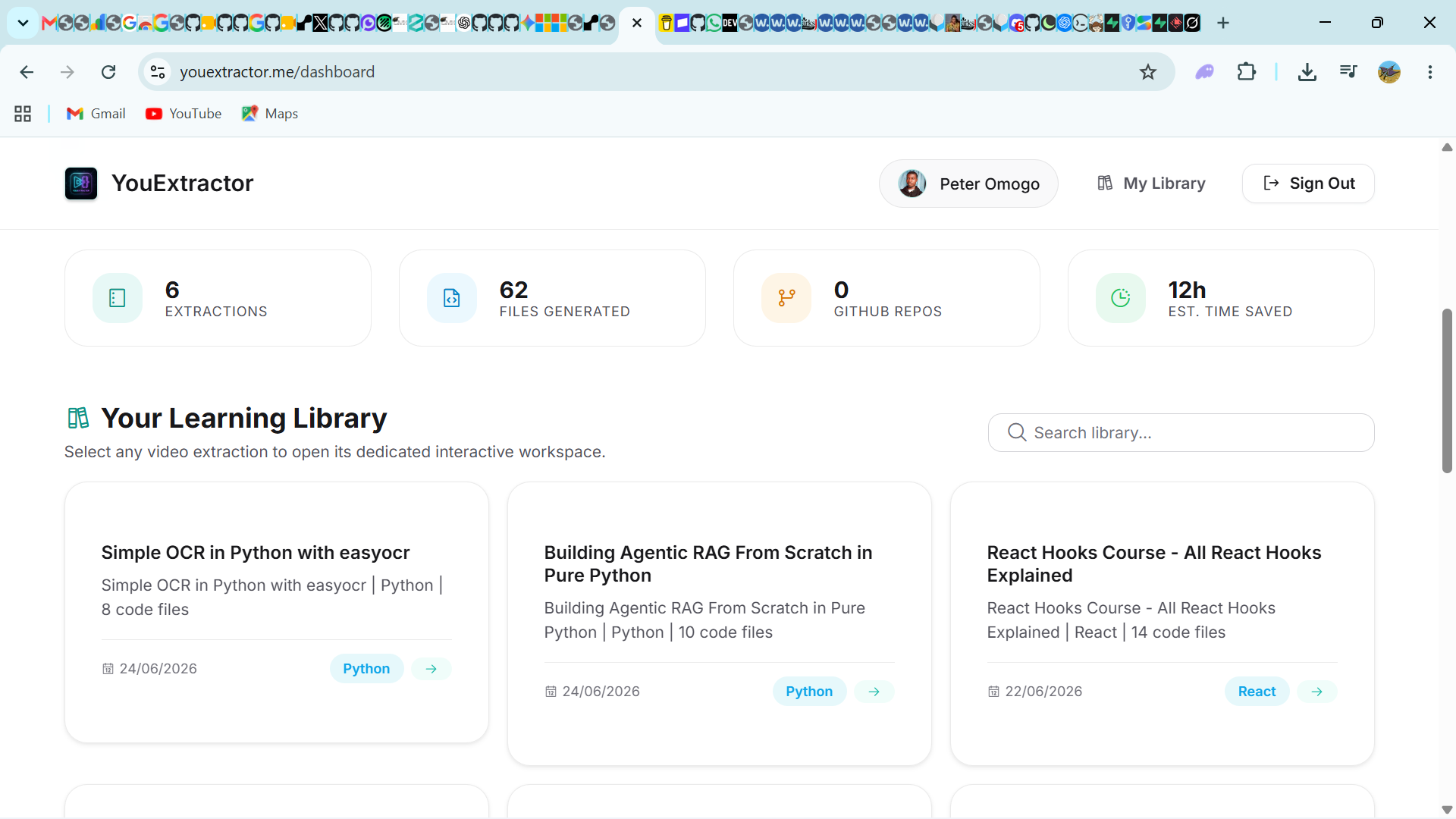
Screenshots from actual users turning popular tutorials into production-ready codebases.
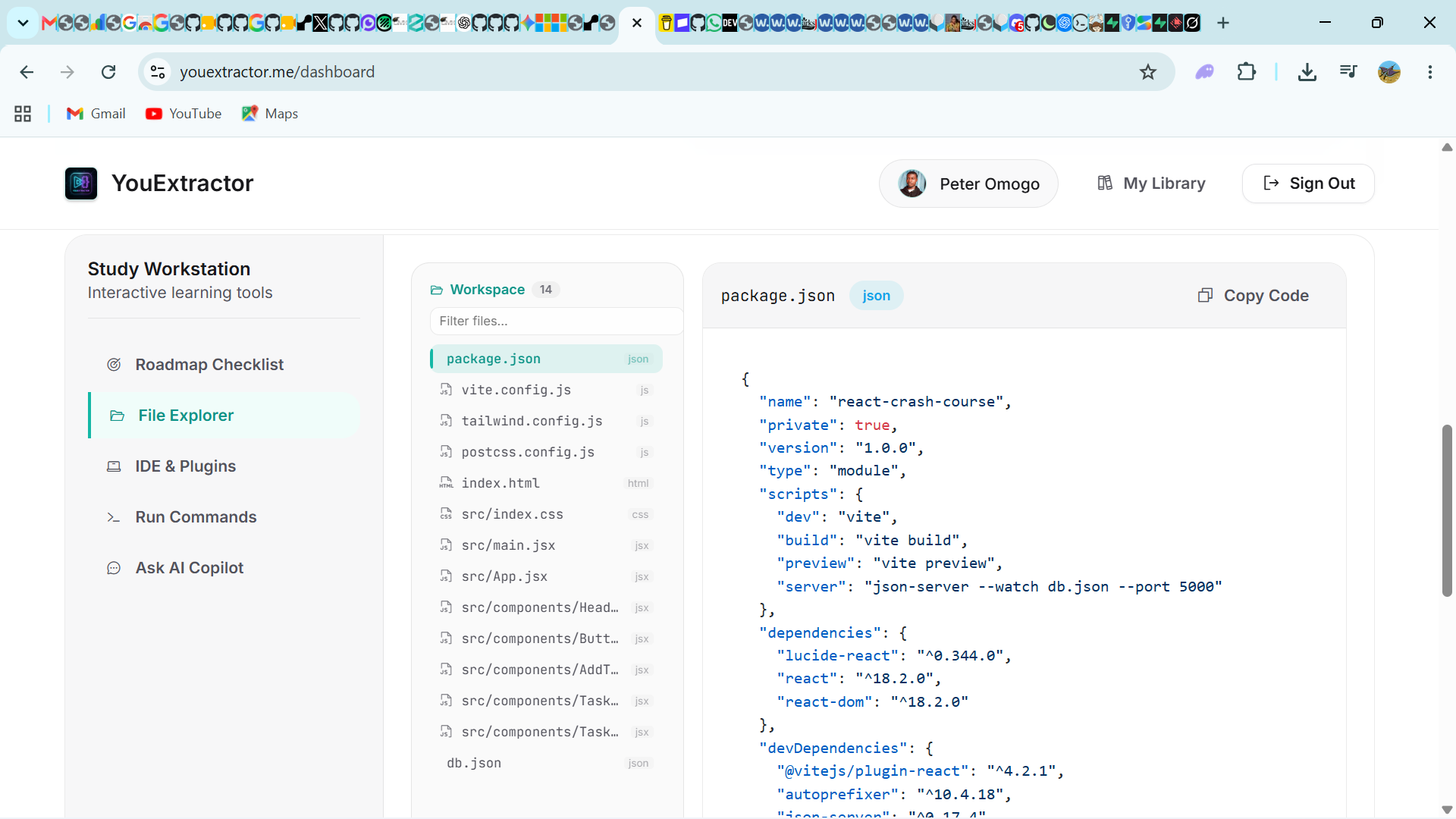
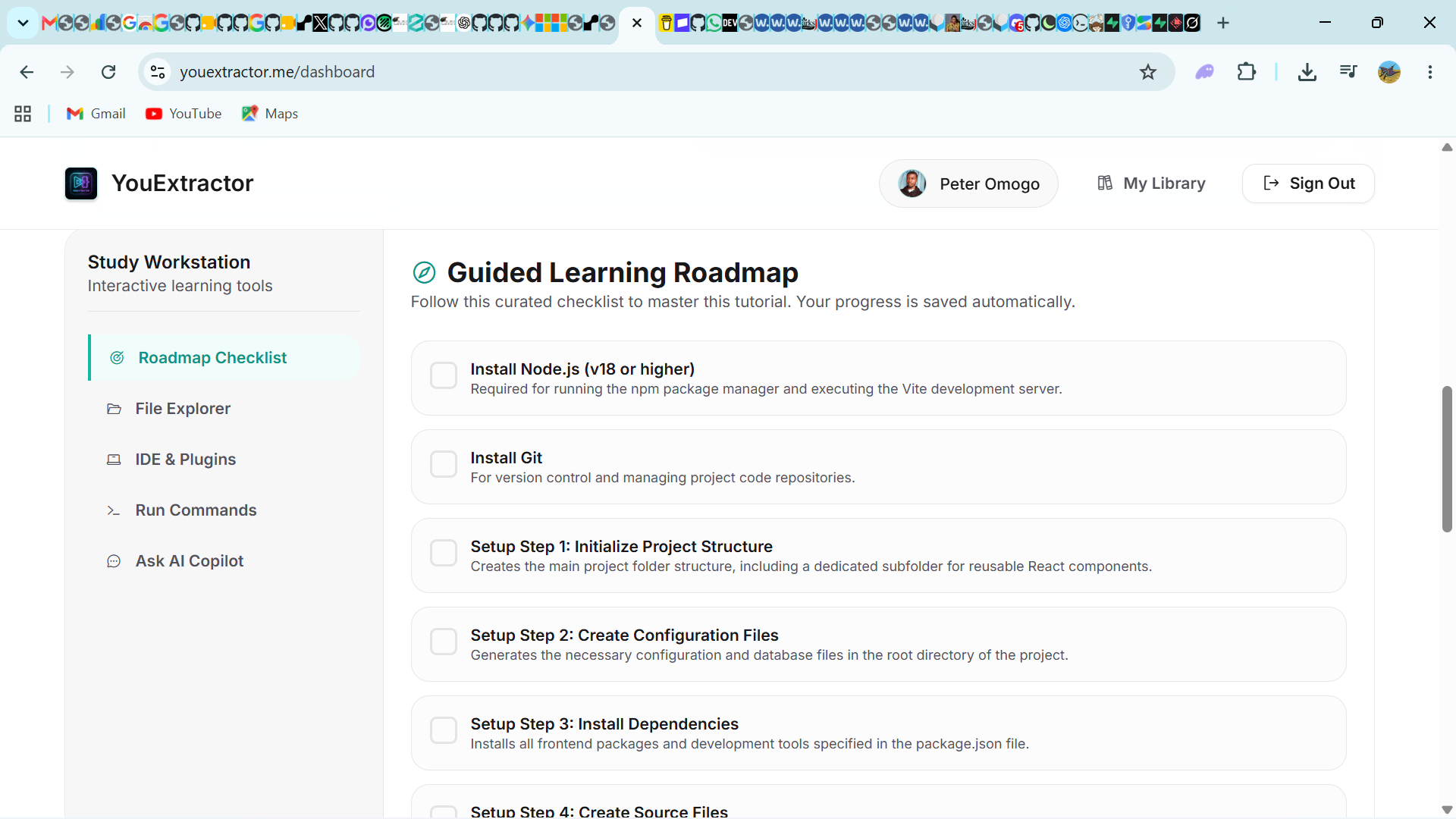
Built for people who learn programming from video and then want the code to actually run.
Stop pausing a 20-minute tutorial to retype every line. YouExtractor rebuilds the project so you can read working code and focus on the concepts.
Turn a framework video into a private reference repo. Keep the file tree, setup notes, and roadmap next to the original tutorial.
Ship from a tutorial the same afternoon. Download a ZIP or push a GitHub repo with .gitignore and README already in place.